Step-by-Step Smart TV Repair: Bring Dead TV Back to Life
In today's busy lifestyle, entertainment is a must to keep oneself relaxed and refreshed, and that is where TVs play an important part. Imagine life without these smart appliances; it is hard to imagine, even if you’re not continuously watching TV, but the thought of it itself is relaxing.
Thus, a Smart TV that suddenly won’t turn on can be frustrating and alarming—especially when it was working perfectly the day before. Whether the screen stays black, the standby light blinks, or there’s no response at all, a “dead” TV doesn’t always mean it’s beyond repair. In many cases, the issue is caused by a simple power, software, or hardware fault that can be diagnosed and fixed with the right approach.
In this detailed guide, we’ll provide you with step-by-step guidance that will help you understand common reasons behind dead screen issues in your TV. Also, we’ll provide you with some troubleshooting steps that can help you repair your smart TV at home.
Understanding What a “Dead” Smart TV Means
A Smart TV is considered “dead” when:
- It doesn’t power on at all
- No standby light appears
- The screen stays black with no sound
- TV doesn’t respond to the remote or buttons
The problem may lie in the power supply, mainboard, software, backlight, or external power source.
Safety First: Before You Start Repairing
Safety is paramount. Before you start repairing, it is important that you:
- Unplug the TV from the power socket to avoid electric shock.
- Once you unplug the TV, wait a few minutes before attempting repair.
- Avoid touching internal components if you’re not trained
- Use insulated tools and proper lighting
Because TVs contain high-voltage components, this can result in serious injury; thus, in case you’re not sure about the exact issue, it’s best that you consult an experienced technician.
But still, if you’re comfortable, you can follow these simple steps with utmost precautions to solve the dead screen issue.
Step 1: Check Power Source and External Issues
Start with the basics—many “dead TV” cases are caused by simple power problems.
What to Check
- First, ensure that the TV cable is intact, and there are no cuts or other damage
- Sometimes the problem is in the power socket, so before doing anything else, make sure to try a different power socket
- In case the issue is not due to the wall socket, make sure to check the power surge protector
- All these can be checked by simply plugging in another appliance, and if that appliance works fine, then the issue is in the TV and not in the power socket or power surge regulator.
Quick Fix: If the socket or power cable is faulty, replacing it may instantly revive your TV.
Smart TVs can develop issues like black screens, sound without picture, slow performance, or connectivity errors, but many of these problems can be diagnosed with simple troubleshooting steps. For a detailed breakdown of common faults and practical repair guidance, check out this helpful resource on Smart TV problems and repair solutions.
Step 2: Perform a Power Reset
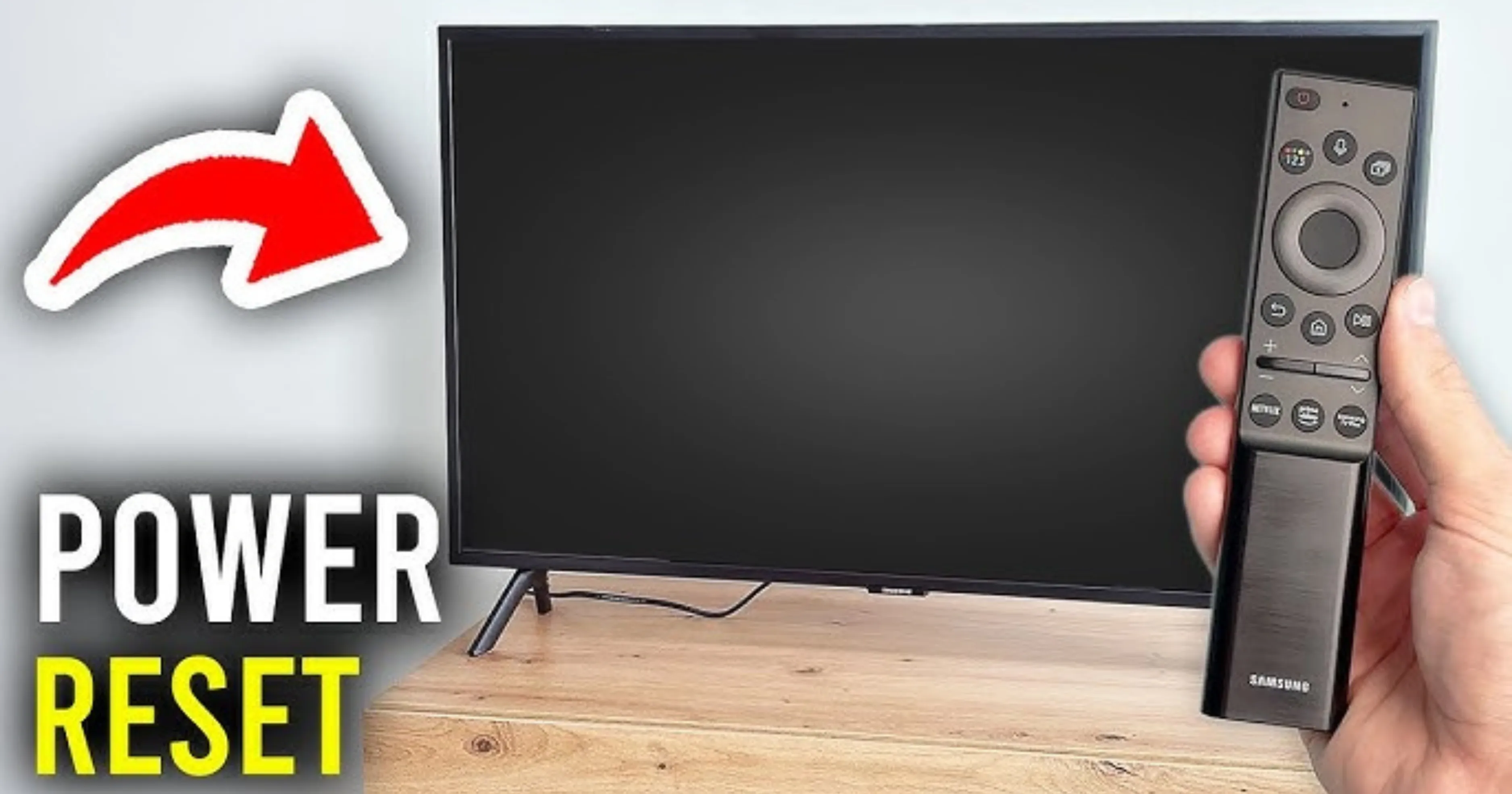
A power reset clears temporary electrical and software glitches.
How to Do It
- Unplug the TV from the power source
- Make sure to leave the TV unplugged for 15-20 minutes in case the issue is due to overheating. This step can solve it.
- Once you unplug the TV, make sure to hold the TV’s power button for 10–15 seconds.
- After a few minutes, in case you're sure, plug the TV back into the power socket and then try to turn it on.
This simple reset often fixes frozen Smart TVs or standby issues.
Step 3: Check the Standby Light
The standby LED gives important clues.
Common Indicators
- No light: Power supply issue
- Red light steady: TV in standby mode
- Blinking light: Error code or internal fault
Refer to the TV brand’s manual to understand blink patterns (Samsung, LG, Sony, Mi, etc.).
Step 4: Test the Remote and Manual Buttons
Sometimes the TV is fine, but the remote isn’t.
What to Do
- Replace remote batteries
- Try powering on using the TV’s physical buttons
- Use a smartphone camera to check if the remote IR light works
If the TV turns on using buttons, the remote may need repair or replacement.
Step 5: Check for Display or Backlight Issues
Your TV may be ON but showing no picture.
Flashlight Test
- Turn the TV on
- Shine a flashlight close to the screen
- Look for faint images or menus
What It Means
- Faint image visible → Backlight failure
- No image at all → Display or mainboard issue
Backlight problems are common in LED Smart TVs and are repairable.
Step 6: Inspect the Power Supply Board (Advanced Users)
If there’s no standby light, the power supply board may be faulty.
Common Power Board Issues
- Blown fuse
- Swollen or leaking capacitors
- Burn marks or damaged components
Possible Fix
- Replace faulty capacitors (technician-level repair)
- Replace the entire power board (recommended for safety)
Only trained individuals should open the TV panel.
Step 7: Check the Mainboard
The mainboard controls the TV’s operating system, HDMI ports, Wi-Fi, and boot process.
Symptoms of Mainboard Failure
- TV stuck on logo
- Continuous rebooting
- No response despite the light
Possible Solutions
- Software reinstallation via USB (if supported)
- Mainboard repair or replacement
Mainboard replacement is often cost-effective compared to buying a new TV.
Step 8: Fix Software or Firmware Issues
Smart TVs rely heavily on software, which can crash due to:
- Failed updates
- Power cuts during firmware installation
- Corrupted system files
Basic Software Fixes
- Factory reset (if TV powers on partially)
- Firmware update via USB
- Reset Smart Hub or system settings
If the TV doesn’t boot at all, software flashing requires service tools.
Step 9: Check HDMI and External Devices
Faulty external devices can prevent TVs from turning on properly.
Troubleshooting
- Disconnect all HDMI, USB, and external devices
- Turn on the TV with nothing connected
- Reconnect devices one by one
This helps identify whether an external device is causing the issue.
Step 10: When to Call a Professional Technician
You should seek professional Smart TV repair if:
- The TV has no power and no standby light
- Internal boards need replacement
- The screen panel is damaged
- You’re unsure about handling internal components
Professional repair ensures safety and prevents further damage.
If you’re facing a dark screen but can still hear sound, the issue is likely related to the TV’s backlight system. In many cases, faulty LED strips or a damaged power board can cause this problem. You can read this detailed guide on how to fix LCD TV backlight problems to understand the causes and step-by-step troubleshooting process.
Cost of Smart TV Repair vs Replacement
|
Issue |
Estimated Repair Cost (India) |
|
Power board replacement |
₹1,500 – ₹4,000 |
|
Backlight repair |
₹2,000 – ₹6,000 |
|
Mainboard replacement |
₹3,000 – ₹8,000 |
|
Display panel damage |
Often not economical |
If the repair cost exceeds 50–60% of a new TV’s price, replacement may be a better option.
Tips to Prevent Smart TV Failure in the Future
- At times, sudden fluctuations in power can result in a TV's failure; thus, always use a premium-quality power surge protector as a precaution.
- Make sure to switch off the TV after use because long standby hours can cause damage to your TV.
- Make sure to keep your TV’s software updated
- Ensure that there is sufficient distance between the TV installation and the wall to maintain proper ventilation.
- Also, it is recommended to avoid frequent switching on/off
Preventive care can significantly extend your Smart TV’s lifespan.
Conclusion
To conclude, we can say that a dead screen issue in Smart TVs doesn’t always mean that the TV is no longer of use. This problem can arise due to various hardware and software issues.
As we have already discussed in the above article, sometimes a small troubleshooting step, like a power reset and switching on/off, along with a cable check, can solve this issue.
But in case your TV doesn't work even after the troubleshooting steps, the best possible option is to get help from a reliable technician to save your TV from extra damage.