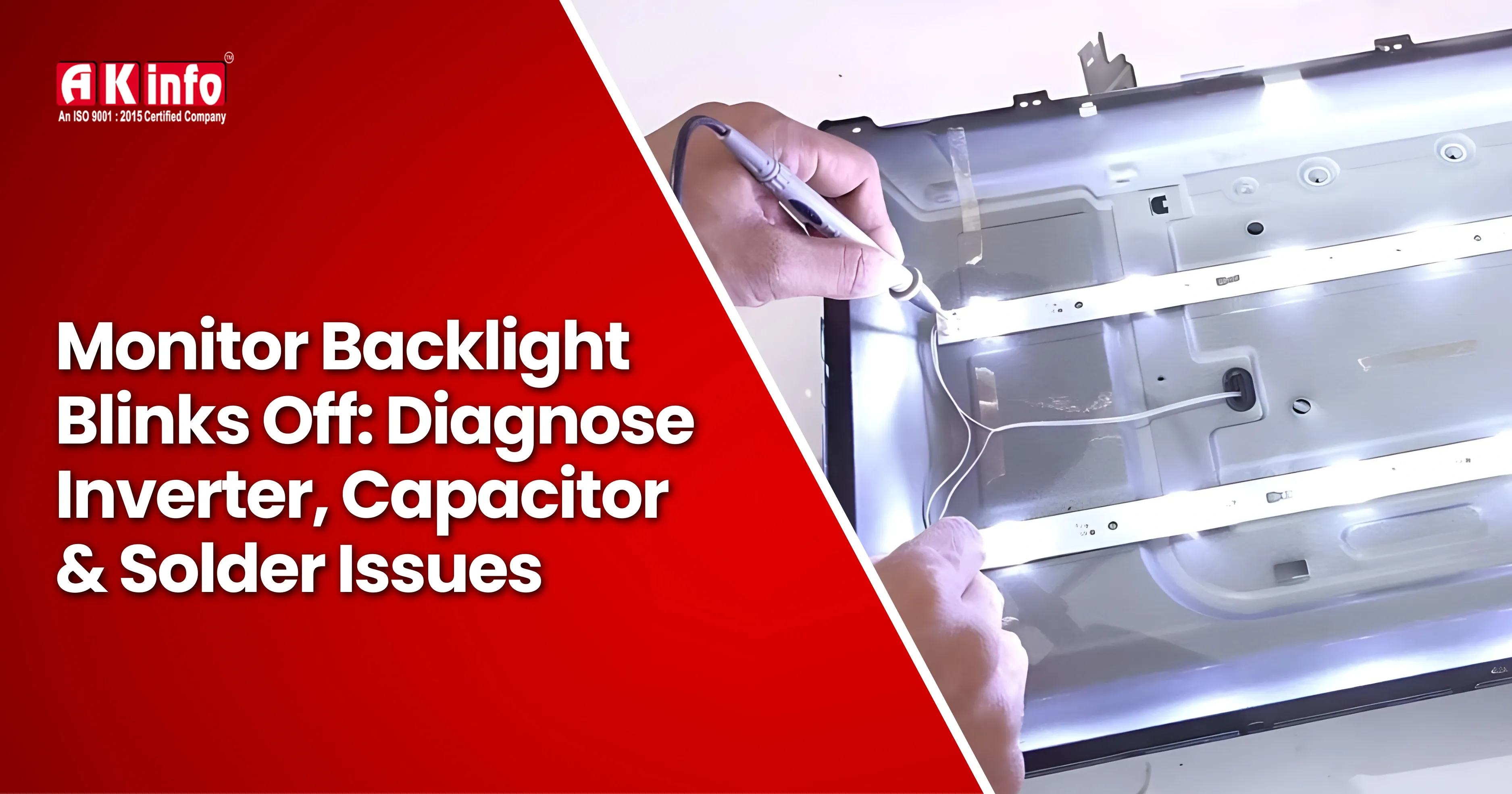
Monitor Backlight Blinks Off: Diagnose Inverter, Capacitor & Solder Issues
Starting the topic with a short attention-catching statement about the monitor, the guide will start to talk about the most common problems that technical experts face. Raindrops frequently stay on the power lamp; the screen can exhibit a broken image that is very faint by a flashlight, but the backlight goes off.
This complication is upsetting for consumers, but it is almost a piece of cake for tech guys to cope with. In the majority of cases, the main reason can be found in the backlight circuit, mainly inverter faults, bad capacitors, or dry solder joints.
The document describes how the backlight system operates technically and gives a detailed protocol on how to detect and fix those faults.
https://www.youtube.com/watch?v=wWkm8Qc16_g
Understanding How Monitor Backlights Work
Older LCD monitors utilized CCFL (Cold Cathode Fluorescent Lamp) backlights that had to be powered by an inverter board. It was usually between 600 and 1000 volts of AC high voltage that these devices had to supply.
The latest monitors are equipped with LED backlights that do not use inverters but LED driver circuits. Nevertheless, the manifestations of trouble and the way they fail are often not much different.
- The power supply outputs a low-voltage direct current.
- The inverter or LED driver serves to boost or regulate this power.
- The fluorescent lamp is powered on, and the LCD panel is illuminated.
If it senses a fault such as overcurrent, open lamp, or unstable voltage, the driver shuts the backlight down to protect the circuit. This protective reaction is the reason behind the "blink on, then off" symptoms. Understanding this protection behavior makes it easier to explore how to fix LCD backlight problems with clear, easy-to-follow repair guidance.
Common Symptoms of Backlight Failure
Technicians often encounter the following signs:
- The screen lights up briefly, then goes black
- Power LED remains on or changes color
- The image is visible faintly under a flashlight
- Monitor works intermittently when tapped or warmed
- Buzzing or clicking sound before shutdown
These symptoms point directly toward inverter, capacitor, or solder joint issues rather than the LCD panel itself.
Inverter Faults: A Primary Suspect
In CCFL-based monitors, the inverter board is a major failure point.
Inverter problems commonly involve:
- Shorted or open inverter MOSFETs
- Faulty inverter transformers
- Failed protection ICs
- Weak or aging CCFL lamps triggering shutdown
The moment when the inverter initiates, it evaluates lamp current. If one lamp pulls either too much or too little current, the inverter will turn off all backlights, even though only one lamp is faulty.
Inverter fault diagnosis:
- Inspect the inverter board for burnt components.
- Calculate the continuity of the inverter transformers (similar secondary windings should be present).
- If possible, swap with a known-good CCFL lamp.
- To isolate lamp issues, use an external CCFL tester.
If the backlight stays on with a tester but turns off with the monitor’s inverter, the inverter circuit is at fault.
Bad Capacitors: The Silent Killer
Electrolytic capacitors are the leading candidates for monitor backlight failure, especially in the older devices.
The reasons for capacitor failure:
- Thermal stress
- Low-quality capacitors
- Aging and electrolyte depletion
- Bypass current overload
Outgoing unstable voltage due to defective capacitors makes the inverter turn off.
Visual indicators of defective capacitors:
- Deformed, bulged, or dome-shaped tops
- An electrolyte that has leaked
- Tilting or swelling of the base
Nonetheless, the fact is that many that cease to function do not show any signs of physical damage. A high ESR (Equivalent Series Resistance) can cause a malfunction even with the capacitor looking regular.
The procedure for recognizing capacitor flaws:
- Analyze output voltages amid load
- An ESR meter should be used to perform correct examinations
In the backlight power path, technicians generally replace all electrolytic capacitors as a safety precaution, especially the low-voltage (10V–25V) units.
Dry Solder Joints: An Overlooked Problem
The other typical fault that causes the display's intermittent flashing is dry or cracked solder joints.
The dry solder joints are usually found in these locations:
- Inverter transformers
- Power resistors
- High-voltage connectors
- Power supply pins
Thermal cycling is responsible for the fissures because it is a progressive issue that causes solder joints to intermittently connect. The monitor typically opens the joint owing to the heat, thus making the inverter fail.
These are the ways you can check for dry solder joints:
- Look under a microscope
- Check for dull or grainy solder
- Search for the circular cracks close to component leads
- Carefully twist the board (with caution) while powered
Repair method:
- Reflow the joints with new solder that you suspect are bad
- Use flux so that it can wet correctly
- Be extra careful to pay attention to the transformer pins and the high-current paths
One of the causes for backlight malfunctioning and a fix is just the process of melting the solder and redoing the joints.
LED Backlight Considerations
The most common problems concerning LED monitors are:
-
Problems are mainly related to LED tubes. - Checked LED Strips Open
-
Faulty LED driver ICs
-
Current sense resistor concerns
Just one LED that is open can lead to the entire backlight being turned off. Quickly test LED strips to check for a fault by using a dedicated LED tester.
Safety for Technicians
-
CCFL inverters operate at high voltage and avoid a live circuit.
-
Before working, discharging capacitors is necessary.
-
Use insulated probes.
-
Do not short inverter outputs intentionally.
-
Work on an insulating surface.
Safety should be the first thing dealt with while adjusting backlight circuits.
Is Repair Approaching Worth It?
Typical backlight fixings tend to be even more profitable when
done for:
-
Middle-end to high-rate monitors
-
Industrial or professional displays
-
Units with easy capacitor or solder faults
However, if the LCD panel itself is damaged or the LED strips are deeply embedded and expensive, replacement may be more practical.
When the LCD panel is severely damaged or the LED strips are difficult and costly to repair, opting for a full replacement is often the most practical solution. For more insights on common display issues and repair strategies, check out this guide on Smart TV problems and repair solutions.
Conclusion
A monitor backlight that blinks on and off is rarely a random failure. In most cases, the cause can be traced to inverter faults, bad capacitors, or dry solder joints. By understanding how the backlight system operates and following a structured diagnostic approach, technicians can fix these issues efficiently and reliably.
With careful inspection, proper testing tools, and attention to detail, many “dead” monitors can be restored to full working condition, saving money for users and reinforcing the technician’s reputation for expert repair work.
If youre passionate about repairing TVs or want to turn your skills into a professional career, you can join our LCD/LED Android TV Repairing Course in Patna. This hands-on training helps you master advanced techniques such as backlight repair, inverter troubleshooting, and panel servicing from experienced industry professionals. Learn practical skills that prepare you for real-world TV repair challenges.