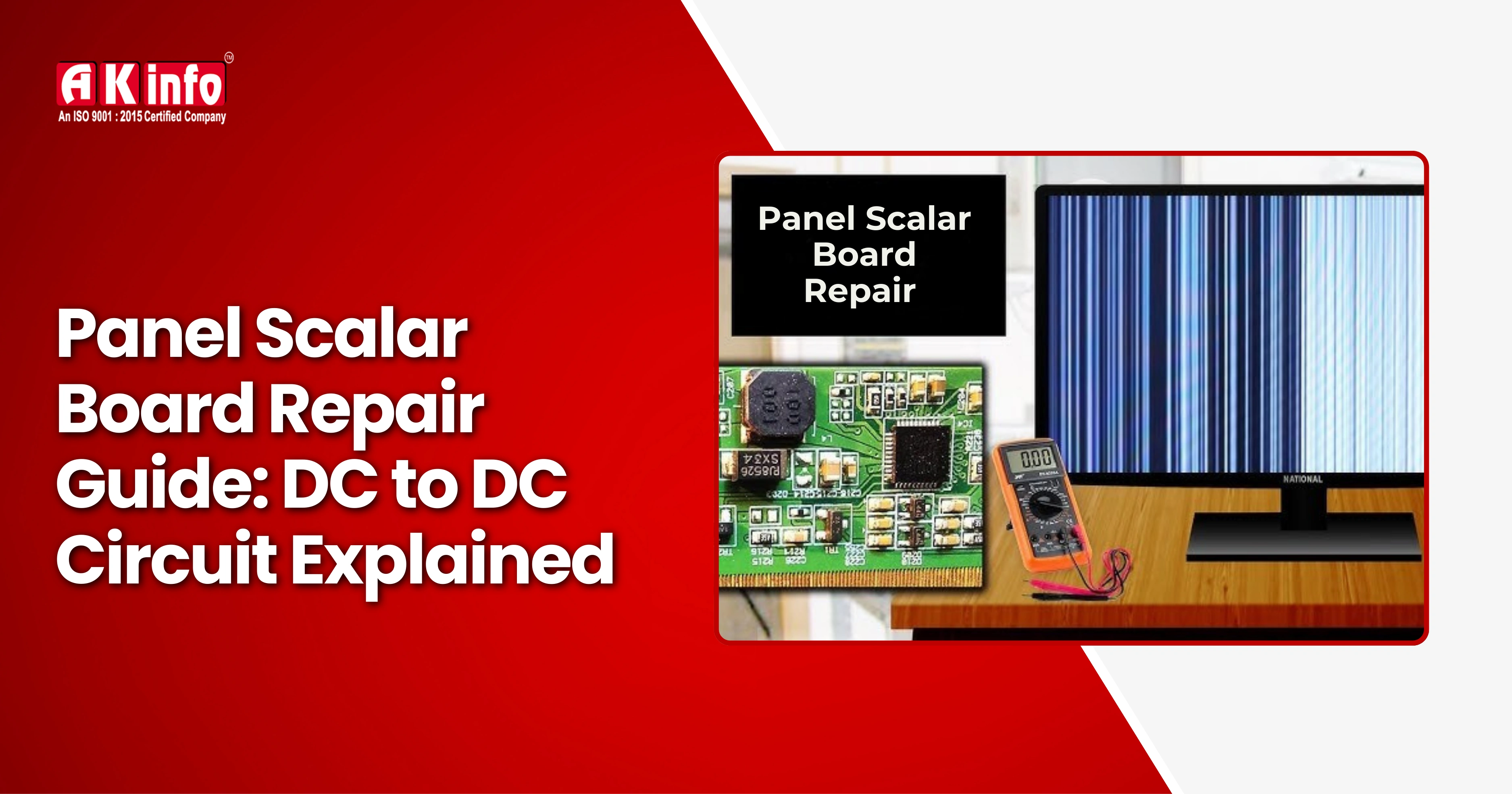
Panel Scalar Board Repair Guide: DC to DC Circuit Explained
Every modern display device, whether it’s an LED TV, monitor, or laptop screen, relies heavily on two key components: the panel scaler board and the DC-DC converter circuit. These two units play a vital role in managing display signals and providing the correct power to different sections of the panel.
If your screen isn’t turning on, showing distorted colours, flickering, or displaying no signal, the issue is likely in one of these parts. In this complete repair guide, we’ll break down common faults, testing methods, and step-by-step repair tips.
What Is a Panel Scalar Board?
The Panel Scalar Board, also known as the main board or Motherboard, is the brain of your display device. It converts and processes incoming signals such as HDMI, VGA, or AV and sends them to the panels in a format it can understand.
Functions of the Scalar Board
- Signal processing: It takes digital or analogue signals from input ports and converts them to LVDS (Low Voltage Differential Signalling) format for the panel.
- Control functions: Handles on-screen display (OSD) menus, remote control signals, and power management.
- Image scaling: Adjusts the resolution and aspect ratio of the input image to fit the panel size.
- Audio processing: Converts and amplifies audio signals to drive the built-in speakers.
- Power distribution: Provides regulated power to different parts of the board and communicates with the power supply.
What Is a DC to DC Circuit?
The DC to DC converter circuit is another vital component, usually located on the scalar board or power board. Its main function is to convert one level of DC voltage into another level required by different parts of the display panel.
For example, while the main board may supply 12V DC, other sections like the T-Con board may need 5V, 3.3V, or even 1.8V for proper operation. The DC to DC circuit ensures these voltages are precisely regulated for stable performance.
In most TV panels, three types of DC to DC circuits are commonly used: the Buck Converter (Step-down), which reduces voltage from higher to lower levels; the Boost Converter (Step-up), which increases voltage from lower to higher levels; and the Buck-Boost Converter, which can both raise and lower voltage depending on the circuit’s needs.
These converters rely on components such as MOSFETs, inductors, capacitors, and PWM (Pulse Width Modulation) controllers to maintain smooth and stable power flow throughout the system.
How the Panel Scalar Board and DC to DC Circuit Work Together
The Panel Scalar Board and DC to DC Circuit work together to manage both the signal and power flow inside a display device. The main board supplies a video signal and 12V DC power to the scalar board, where the DC to DC converter transforms the 12V into smaller, precise voltages like 5V, 3.3V, and 1.8V needed for different ICs and timing circuits.
The scalar IC then processes and synchronises the video signal before sending it through flexible ribbon cables to the panel driver ICs, which ultimately generate the image on the screen. If any of these regulated voltages are missing or unstable, the display may fail to show a picture or behave abnormally, even if the TV appears to power ON normally.
Common Problems in Panel Scalar Board and DC to DC Circuits
The Panel Scalar Board and DC to DC Circuit are common sources of display issues in TVs and monitors. Here are the most frequent problems and quick fixes:
No Display or White Screen occurs when sound works but the screen stays blank, usually due to missing VGL/VGH voltages or a faulty DC to DC IC. Check voltage outputs with a multimeter and replace the bad IC if needed. Horizontal or Vertical Lines appear from a faulty timing IC or a loose LVDS cable. Clean the connectors, reseat the cables, or replace the scalar IC.
A Dim or Dark Screen points to a bad Gamma IC or incorrect voltages. Measure and replace the IC if readings are unstable. Overheating ICs often means a short circuit or power surge. Identify and replace the shorted components.
A dim or dark screen may also occur due to backlight-related faults. You can learn more about fixing LCD TV backlight issues in our detailed guide.
When a TV Turns ON and then Shuts Down, it’s likely due to unstable power in the DC-DC circuit. Check voltage ripple and replace any faulty capacitors or MOSFETs.
Step-by-Step: How to Repair a Scalar Board or DC to DC Circuit
Step 1: Visual Inspection: Begin by carefully inspecting the scalar board or DC-to-DC circuit for any visible signs of damage. Look for burnt components, corrosion marks, or broken connectors. Pay special attention to the LVDS socket, as loose or oxidised connections here are one of the most common reasons for display failure.
Step 2: Voltage Testing: Use a digital multimeter (DMM) to test key voltage points. Measure the 12V input along with the output voltages such as 5V, 3.3V, 1.8V, VGH, and VGL. If any voltage is missing or inconsistent, trace the issue back to the associated IC or coil.
Step 3: Check the DC-to-DC IC: Locate the DC-to-DC IC responsible for voltage conversion. Compare the pin voltage readings with the values provided in the IC’s datasheet. If the output is unstable, incorrect, or absent, replace the IC.
Step 4: Inspect Gamma and Timing ICs: The Gamma IC regulates brightness and contrast levels, while the T-Con IC ensures proper synchronisation. Faults in either component cause distortion or lines.
Step 5: Test MOSFETs and Inductors: Use continuity mode to test MOSFETs and coils. A shorted MOSFET will beep in both directions. An open coil must be replaced.
Step 6: Reassemble and Test: After repairs, reassemble the panel and reconnect cables securely. Test the display to confirm proper visuals.
Tips for Beginners Who Are Not Aware of the Panel Scalar Board
Before starting any repair, make sure you're familiar with your tools, understand how to read voltage points, and take time to inspect the board carefully. Always work patiently and avoid rushing.
- Always check fuse resistors on the scalar board before replacing ICs.
- Clean all ribbon cable connectors with isopropyl alcohol.
- If unsure about voltage levels, refer to the panel datasheet.
- Avoid using random IC replacements; always match the model and code.
- Work with ESD protection (anti-static wristband and mat).
These small precautions can save you hours of troubleshooting.
To avoid repeated failures, always use the correct IC model. Here’s why the importance of using genuine components matters in every repair.
Preventive Maintenance for Long Life
- Use surge protectors: Avoid voltage spikes from power lines.
- Clean ventilation vents: Prevent overheating and dust accumulation.
- Avoid humidity: Moisture can corrode scalar board connectors.
- Regular testing: Check power rails periodically in service centres.
By maintaining the panel and power circuits, you can prevent most failures before they happen.
Why Understanding DC to DC Circuits Is Important for Technicians
Understanding DC to DC circuits is essential for every technician because these circuits control voltage conversion for different electronic sections. Whether it’s a TV, monitor, laptop, or mobile phone, the DC to DC converter ensures each component receives the correct voltage.
Mastering these circuits helps technicians diagnose faults quickly, replace defective parts correctly, and improve repair accuracy. This knowledge is also vital for designing or modifying circuits.
If you want hands-on training, consider enrolling in our advanced LCD/LED TV repairing course in Patna.
Conclusion
The Panel Scalar Board and DC to DC Converter Circuit are at the heart of every display device. Understanding how they work and how to test them is crucial for any technician or repair enthusiast.
By following this guide, you can identify, diagnose, and repair the most common issues related to no display, flickering, or power failure. Remember to always prioritise safety, patience, and precision when handling electronic circuits.
Whether you’re repairing a TV, monitor, or laptop screen, this knowledge will help you restore display performance efficiently and confidently.