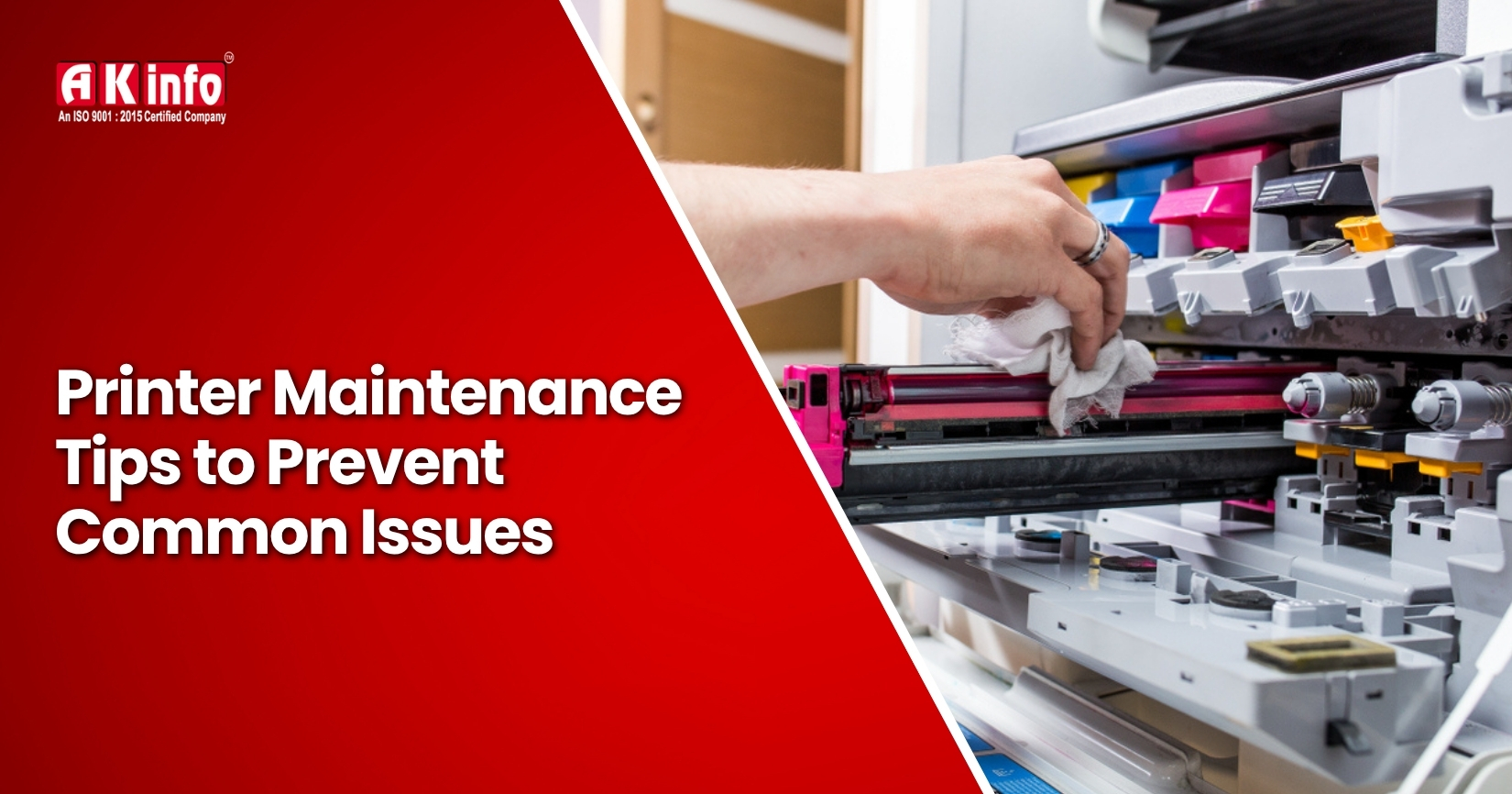
Printer Maintenance Tips to Prevent Common Issues
A printer is a very useful machine. It prints school homework, pictures, office work, and more. It is not simple to resolve the printer malfunction. They show errors in different places, make low-quality prints, or will not work. We should take care of printers with such happenings. Printer maintenance helps stop most problems before they begin.
In this blog, you will learn tips to keep your printer well-maintained. These tips will help keep your printer healthy. This way, you won’t waste time or money on repairs again.
Tips to Prevent Common Printer Issues
A printer’s good care ensures that your printer works nicely without any issues. Here are some simple tips to prevent common printer issues:
1. Clean Your Printer Regularly
Regularly cleaning your printer is the best way to keep it in good working order. Paper fragments and dust collect in the printer. This causes issues with how it works. Clean the printer's outside with a soft cloth, and for the inside, use a brush or compressed air to carefully remove dust.
The result is quality prints and reduced paper jams that result from this practice. Do this printer maintenance routine every week. It’s simple and easy to follow.
2. Use Quality Paper and Ink
The choice of paper and ink is very important; cheap paper can tear easily, jam rollers, or leave a residue. This residue may affect printing. Always select paper compatible with the size and type required by your printer.
Using cheap or incorrect inks can ruin your print job and even damage your printer. The best way to use ink recommended for your brand is to avoid such issues and to make clean, neat pages. A good printer's problems become so easy to fix with a set of supplies.
3. Keep the Printer in a Safe Place
The place where you keep your printer can also affect its performance. The excessive heat, extreme cold, and proximity to water. You should place your printer in a location that remains dry and cool while avoiding sunlight exposure.
A safe place for your printer helps prevent common problems. This includes issues like overheating or damage.
4. Keep Your Printer Covered and Dust-Free
When a printer is not in use, cover it with a clean cloth or a printer cover. Dust can get in there and block internal parts like rollers and nozzles. That can lead to lines forming on the printout, spots, or jamming while printing. Covering your printer is an easy way to protect it. This helps cut down on maintenance too.
5. Handle Cartridges with Care
Ink or toner cartridges are delicate. Switch cartridges with care, and follow the steps from the instruction booklet. A good shake or applying pressure can cause the cartridge to splatter or break. Touch only the sides; avoid touching the chip and nozzle. Handle cartridges with care to avoid messes like ink spills or cartridge errors.
6. Update Your Large-Format Printer
Make sure to update the printer software when you work with a large-format printer. These printers need special care. They print large pages for banners, posters, or designs. Seek the help of an expert to guide you on where to find updates on the website or in the settings. This simple step will help you avoid bigger problems.
7. Fix Paper Jams Gently
In case the paper gets stuck inside the printer, turn the printer off, and open the cover with care. Such actions can rip the paper or damage parts inside. Being patient and gentle handling can help you avoid common printer issues. This approach keeps your printer running well and reduces the chance of malfunctions.
8. Adjust Print Settings
You have many options, like a draft to save ink or best for photos. Check that the paper size and paper type correspond to what you are using. Wrong settings mean wasted ink and paper or even some kind of error. These simple settings will help prevent many common printer problems. They promise clear and neat printing, just the way you want it.
9. Clean and Align the Print Heads
Print heads can get dirty or develop seals. This can make prints look faded, streaked, or uneven. Most printers have utilities for the cleaning and alignment of print heads. Using this tool every few weeks helps keep your printer in good shape. This way, your prints stay clear and you will not waste ink.
10. Schedule Professional Care
Even in the case of regular cleaning, printers need maintenance. It's great to have your printer checked by a technician once a year. This is important, and experts can clean parts like rollers and nozzles that you can't reach. Also, this careful maintenance can help prevent more serious printer issues later on.
Conclusion
Maintaining your printer is not a difficult task. You can avoid many common issues with a printer by keeping it clean. Use good-quality paper and ink. Clean it regularly and handle cartridges with care. Check your print settings. Fix paper jams carefully. Also, upgrade your printer regularly.
Regular maintenance helps your printer last longer and keeps your prints sharp. This saves both time and money. If you need help, ask the professional. This way, everything will run smoothly. Using a few smart habits can keep your printer in good condition and reduce common problems easily.
Frequently Asked Questions
You should select a premium smooth paper that matches the specified size and type requirements of your printer.
The printing issues occur when print heads accumulate dirt or become misaligned. You should activate the cleaning function found in the printer's control panel.
Cheap ink causes leakage and poor-quality prints. Using the printer brand brand-recommended ink remains the best choice.
You should carefully remove the paper after shutting down the printer. Avoid pulling the paper forcefully, as this may cause it to rip and create more severe paper jams.
Join Our Printer Repairing Course in Bihar – Available in Multiple Cities!
If you are looking for a good printer repairing institute in Bihar, then AK Info Institute is the best for you as it offers printer repairing courses in various cities of Bihar, including Saharsa, Rohtas, Rajgir, Nawada, Khagaria, Supaul, Araria, Rajauli, Forbesganj, Arwal, and Sheohar. Each centre offers expert-led training, practical exercises, and career support to help you succeed in printer repairing.
Enroll NowPatna Center
A.K.Info 3rd Floor Opposite Hp petrol pump Near Voltas Show Room Kumhrar (Main Raod) Patna-800026
Email [email protected]
Contact no. :- +91-95255 55455, 9708441666
Delhi Center
AK Info Institute 5/63 UG Floor, Karol Bagh, New Delhi, Delhi
Landmark: Harnam Singh charitable Medical Centre
District: CENTRAL
DELHI State: DELHI-110005
Email [email protected]
Contact no. :- +91- 95255 55455, 9708441666